SSoloCore Studio

External interface recordings

01-09
VIEWING INDEX

RECORDED INTERFACE STUDIES

Interface Studies

Nine external interface recordings support study of page rhythm, hierarchy, and interaction states. Each original site retains ownership of its design, development, and content. These recordings are Interface Studies only; SoloCore claims no client relationship or delivery ownership.

WATCH, COMPARE, RECORD

Viewing note

Not a screenshot library. A set of interface decisions worth replaying.

Each recording retains the original site's design, development, and content ownership. These are observations about transferable rhythm, hierarchy, and interaction, not SoloCore delivery claims.

What to look for

The first-viewport focal point, the rhythm of information changes, and whether motion clarifies the interface.

Watch a recorded interface

Filter by interface study type

9 verifiable interface studies

Start with one recording

Website

Topology digital experience

Let the iridescent surface dominate the first viewport, then lower visual noise so principles and project names take over the reading sequence.

Watch the full page rhythm first, then decide which interface decision is worth carrying forward.

Open study notes

Continue through the recording index

  1. 02

    Website

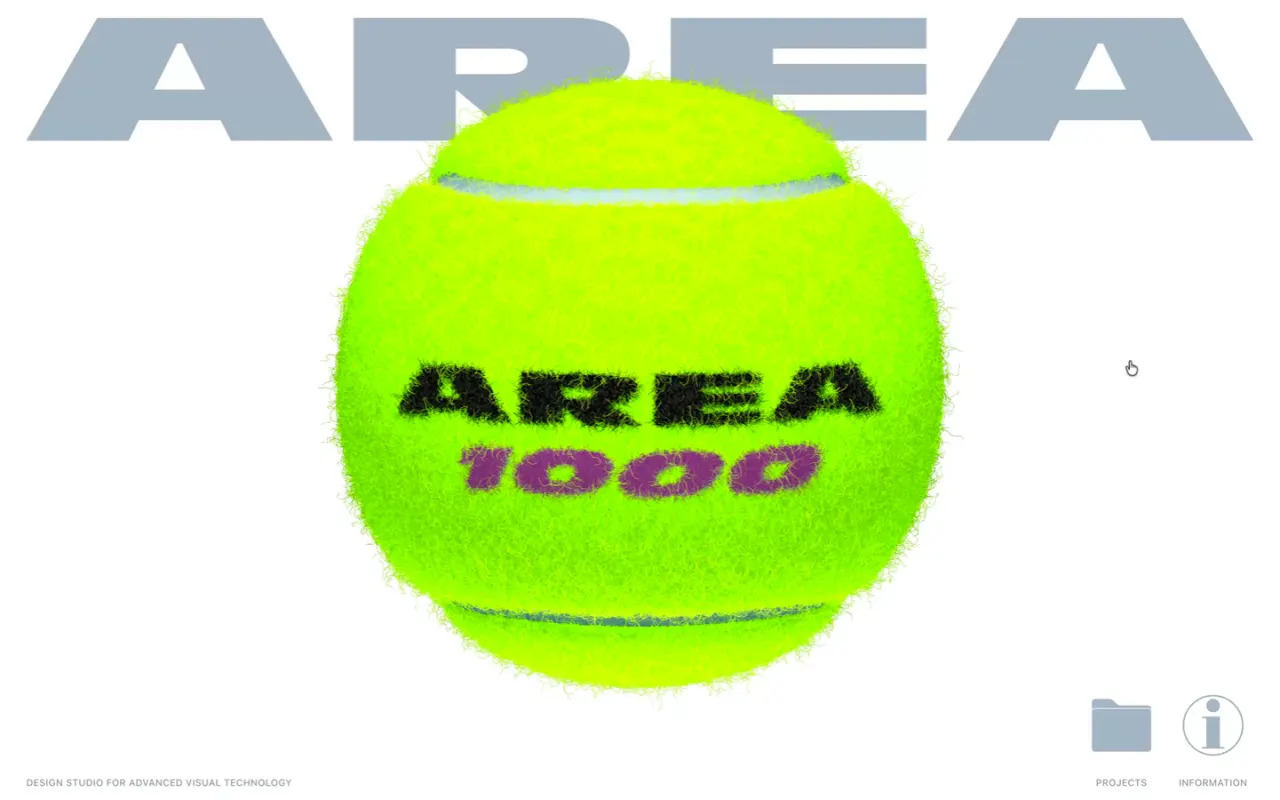
    Area digital experience

    Give each state one dominant project object while persistent utility controls balance oversized brand graphics with browsing orientation.

    Open study notes
  2. 03

    Website

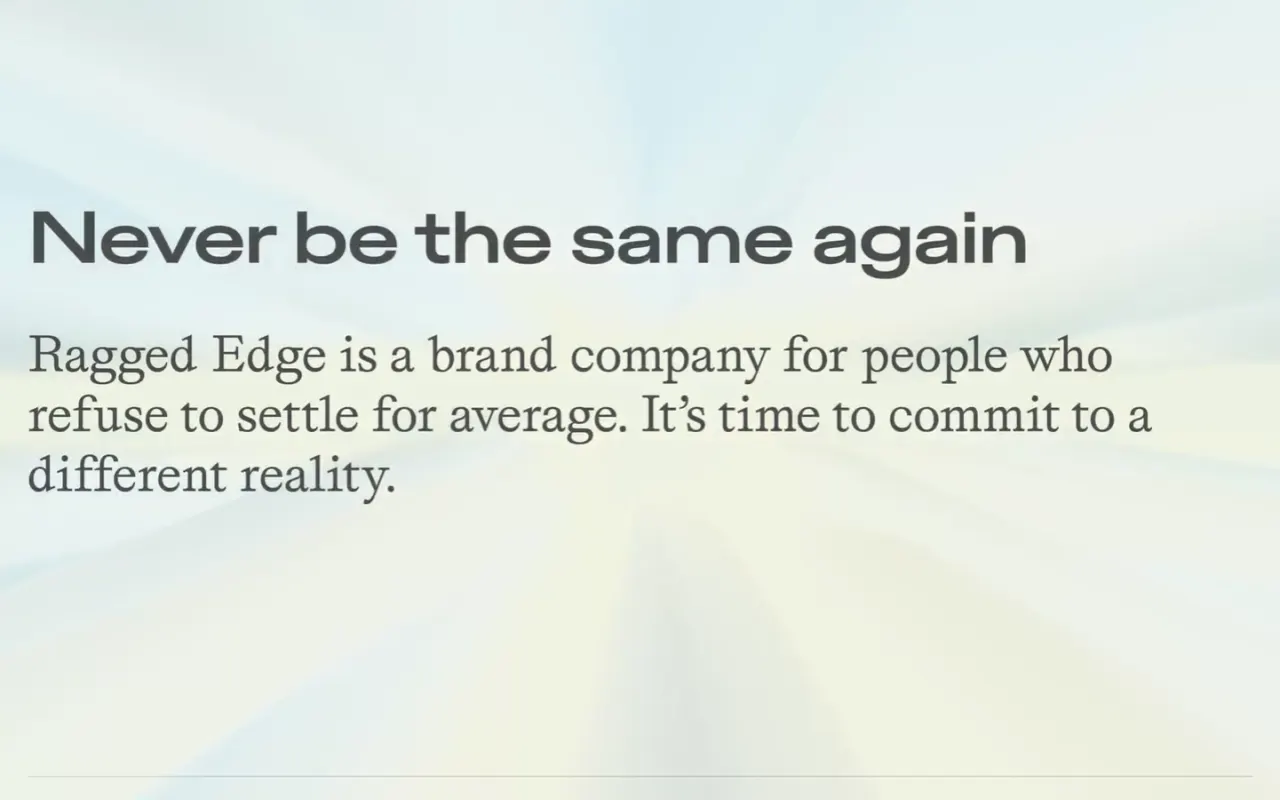
    Ragged Edge digital experience

    Use a stable studio masthead and grid rhythm to hold together projects that deliberately avoid a single visual template.

    Open study notes
  3. 04

    Product

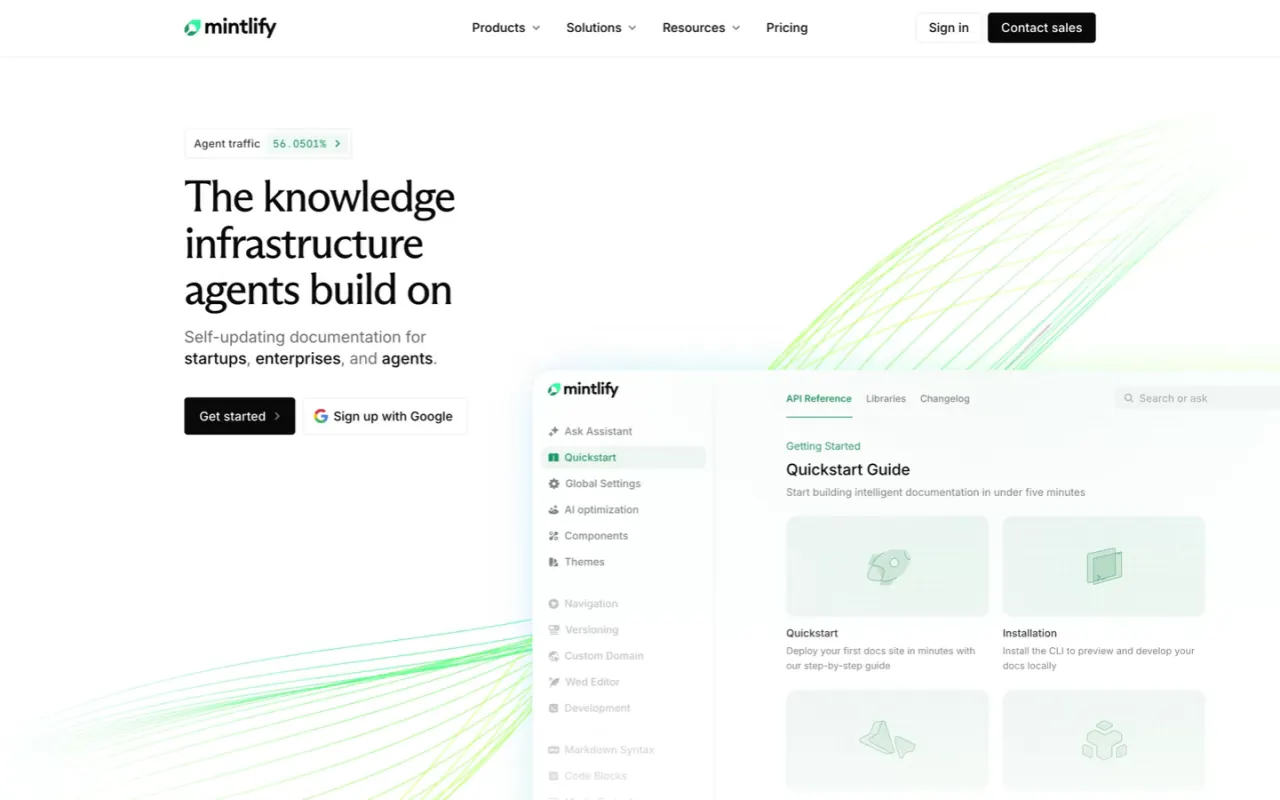
    Mintlify digital experience

    Keep the product interface as primary visual proof, then connect technical explanations, use cases, and editorial sections with consistent spacing and green lines.

    Open study notes
  4. 05

    Product

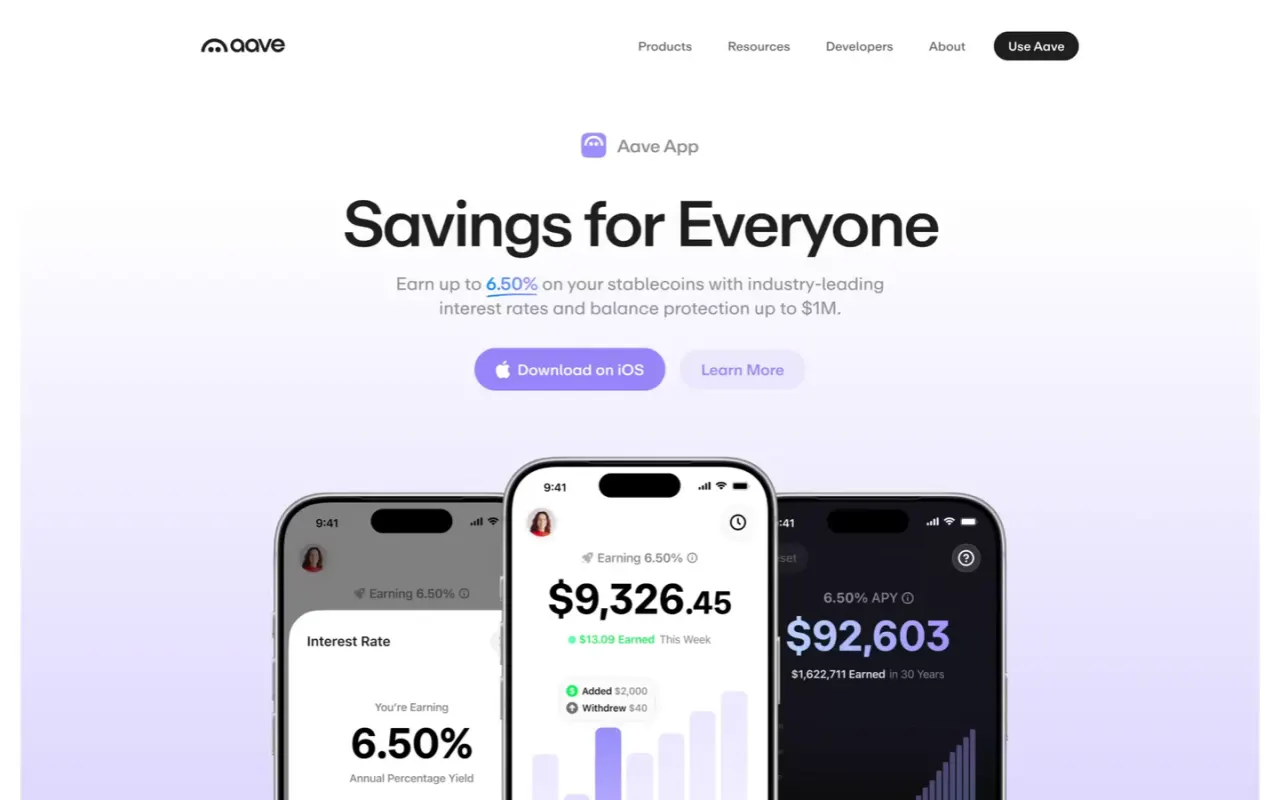
    Aave digital experience

    Separate user-facing and technical interface states with light and dark panels while keeping compact navigation and consistent control shapes.

    Open study notes
  5. 06

    Website

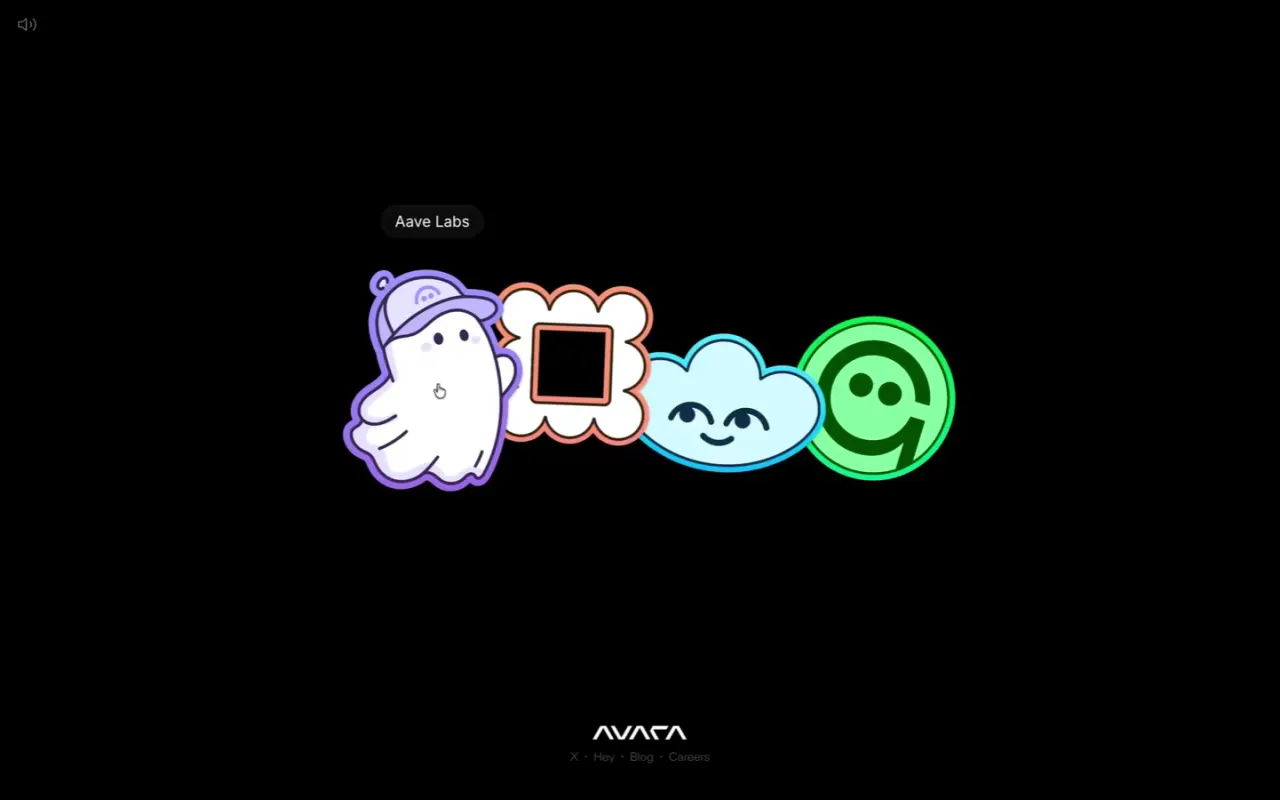
    Avara digital experience

    Dim neighboring identities instead of removing them, preserving family context while keeping the active selection unmistakable.

    Open study notes
  6. 07

    Website

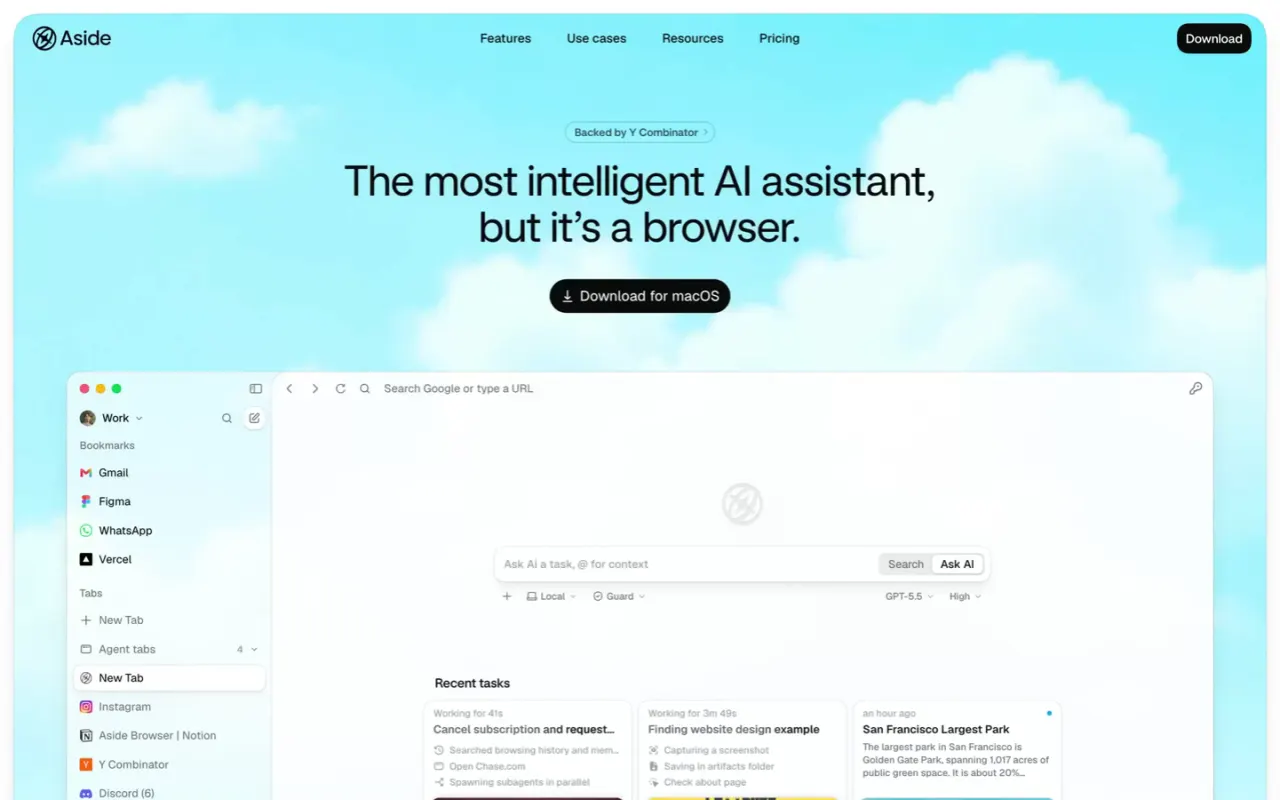
    Aside digital experience

    Lead with familiar browser structure, then alternate screenshots, icons, and diagrams so abstract capabilities gain concrete visual references.

    Open study notes
  7. 08

    Motion

    Dirtverse digital experience

    Alternate fast horizontal media movement with quiet oversized type fields, giving the recording clear pulses instead of continuous visual noise.

    Open study notes
  8. 09

    Motion

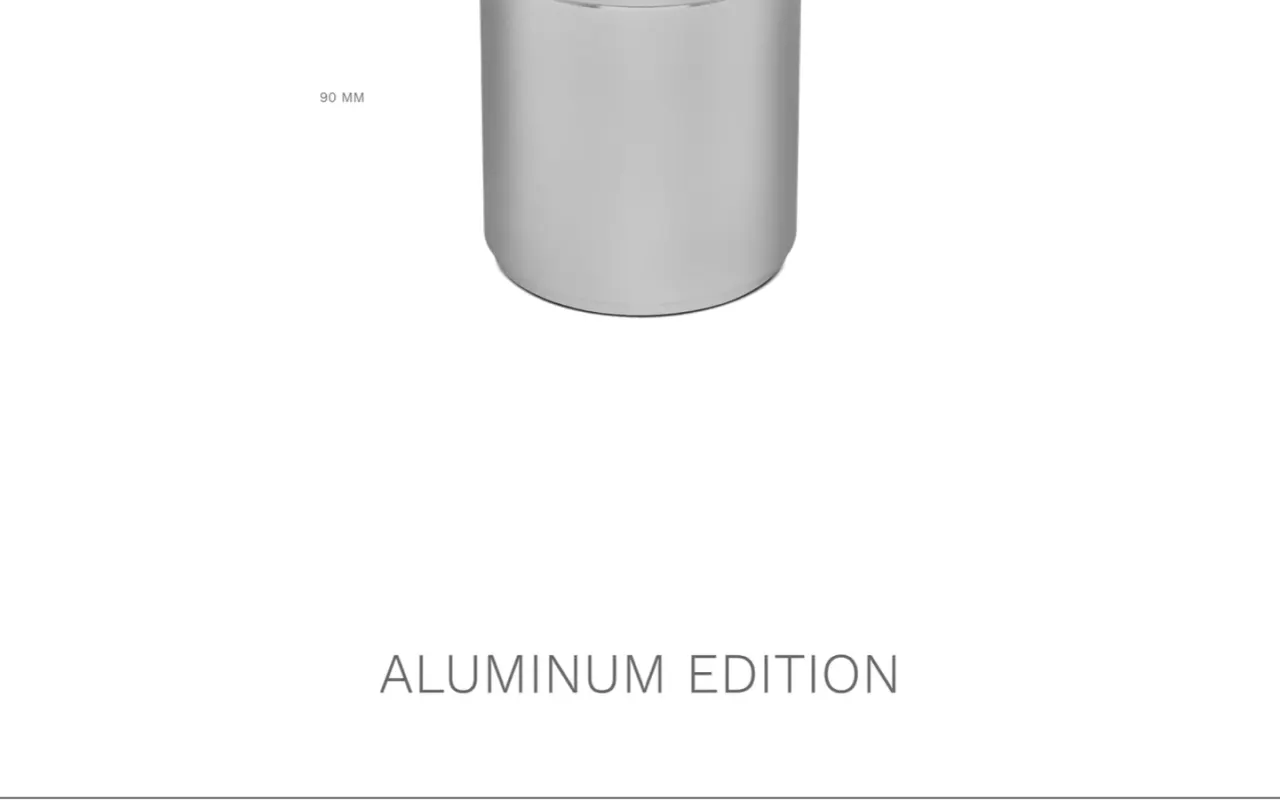
    Silo digital experience

    Let proportion and material finish carry the visual expression while aligned prices and quantity controls keep modular options directly comparable.

    Open study notes